United Plant Savers/Brickhouse Apothecary
United Plant Savers (UpS) is a 501(c)(3) non-profit founded in 1994 by herbalist Rosemary Gladstar to protect native North American medicinal plants from habitat loss and overharvesting. Headquartered in Rutland, Ohio, it manages a 370-acre botanical sanctuary, maintains an "At-Risk" plant list, and supports a network of conservation sanctuaries.
Key aspects of United Plant Savers' history and mission include:
Founding & Purpose: Formed at the 4th International Herb Symposium in response to the alarming decline of wild medicinal herbs, UPS seeks to ensure an abundant, renewable supply of these plants for future generations.
The Sanctuary: Located on 370 acres of land in Ohio, the site features a botanical sanctuary, medicinal plant trials, a seed bank, and an herbarium.
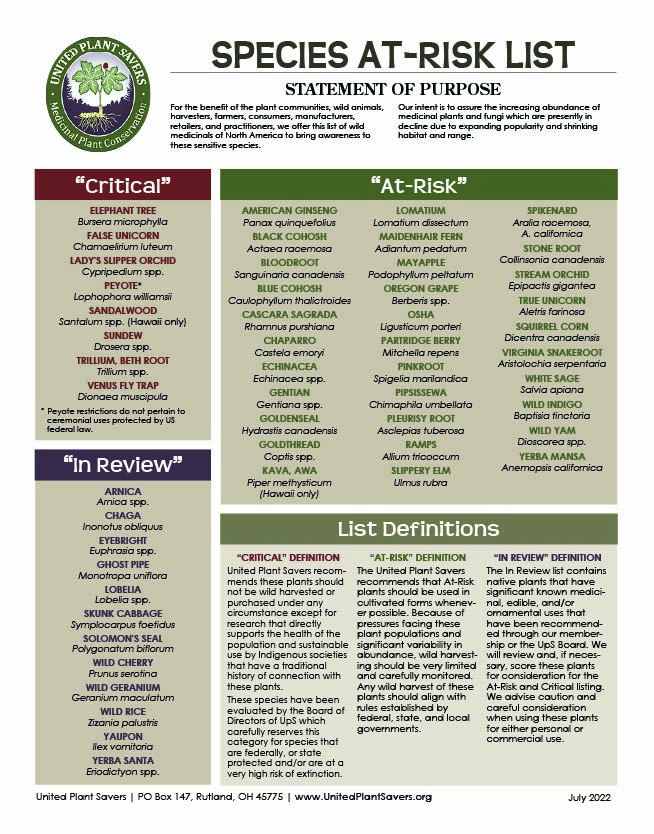
"At-Risk" List: One of their primary accomplishments was creating the "At-Risk" list of 40+ medicinal plants facing threats from wildcrafting and habitat destruction, such as American Ginseng and Goldenseal.
Community & Education: Over the past 30+ years, the organization has fostered an active community through events like the Medicinal Plant Conservation Conference and by creating the Botanical Sanctuary Network.
In meeting all of the organizational goals, UpS has become a model for strengthening the bio-economy in Appalachia, contributing to job creation, tourism, and economic development of Southeast Ohio.
Asset Development and Expansion at UpS
Brickhouse Apothecary
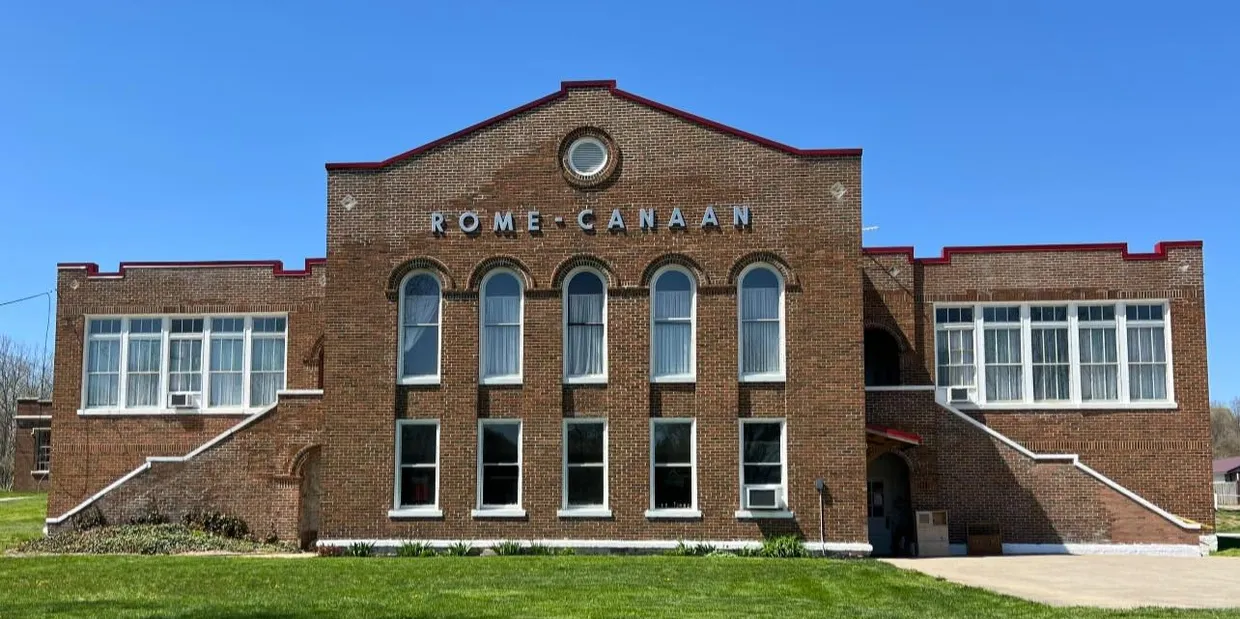
Located in downtown Pomeroy, the Brickhouse Apothecary, is a 9,000-square-foot, historic structure currently serving as a site for microbusiness support for entrepreneurs working with Southern Ohio’s most valuable and culturally significant commodities.
The Brickhouse Apothecary in partnership with UPS’s nearby plant sanctuary serves as an educational and business development hub to promote economic development linked to agriculture including distinctive products known as non-timber forest products (NTFPs). NTFPs including forest and herbal botanicals are deeply integrated into Appalachian culture and have been a part of life in Southeast Ohio for centuries. Products harvested and grown in this region fuel a billion-dollar industry for health, cuisine, and decorative practices. Interest linked to tourism in this sector is also on the rise. UPS participates in an initiative funded by the ARC’s ARISE grant focused on transformational goals critical to establishment of the Appalachian forest farmers as leaders in the global NTFP market.
A proposed ARC-funded improvement project to expand the capacity of the Brickhouse Apothecary to support entrepreneurial enterprises is underway.
Botanical Sanctuary Tourism Expansion
In 2022, UpS received $2,475,000 from the Abandoned Mine Lands Economic Revitalization through Ohio’s Department of Conservation and Recreation for improvements to the Reclaim Trail, adding five miles to the existing two-mile loop. The project also included construction of a new lodging and multipurpose event space at the Botanical Sanctuary in Rutland, Ohio.
These enhancements will expand UpS’s ability to host larger convenings and events, bringing visitors who are interested in the NTFP practices or need a mini-conference location in Meigs County.

 Step 1: Click “Log In” on top right side of navigation bar on our website.
 Step 2: Enter the email address and password you used to register your membership. If you don’t have this information, select the “Lost your password?” link below the purple “Log In” button.
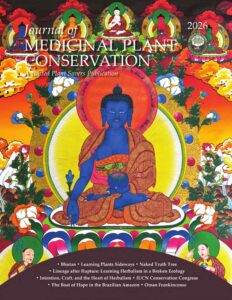
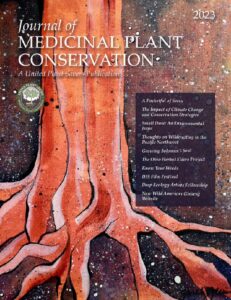
  Step 3: Once you are logged in, please check that your shipping address is current so you are sure to receive the Journal of Medicinal Plant Conservation. You can do this by clicking on “Edit Profile” in the “My Account” section of the dashboard.

 Step 5: From the membership dashboard, you can also modify your membership type and access the generous benefits provided by our Partners in Education and Herbal Business members. To do so, click on the button that says “CLICK HERE FOR MEMBER DISCOUNT CODES.”